Why time tracking often fails 😞
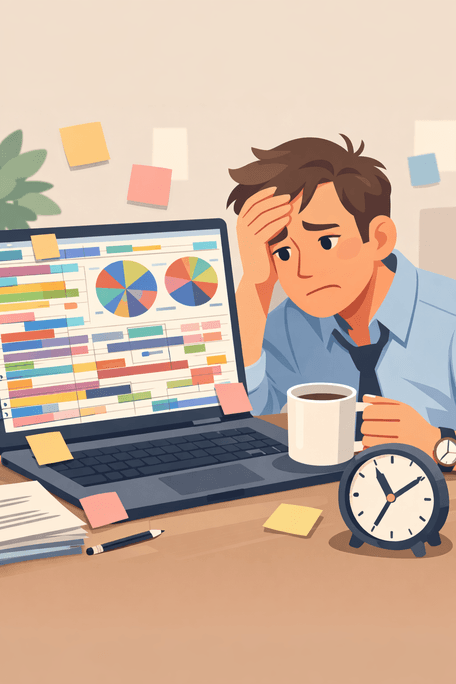
Most people try a time tracker, use it for a week, then quit. The reasons are almost always the same.
The data ends up incomplete, messy, or just wrong.
You stop trusting it — and stop tracking.
The tool failed, not you.
Set it up once. Then just live.
Define areas
Map activities
Just track
The system calculates your life-area balance automatically.
No categorizing in the moment. No balance decisions while you work. The rest is math.
How it works
Four steps. Set up takes five minutes.
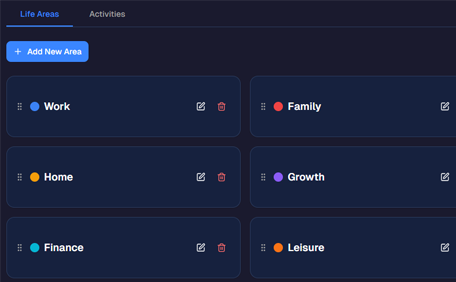
Define Areas
Name the parts of your life you care about — Work, Health, Learning, Family, Rest. These are your lens for everything that follows.
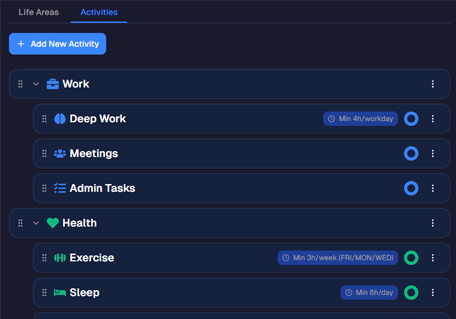
Create Activities
Add your activities and map each one to the life areas it supports. "Morning run" maps to Health. "Reading" maps to Learning and Rest. Set it once — done.
Track
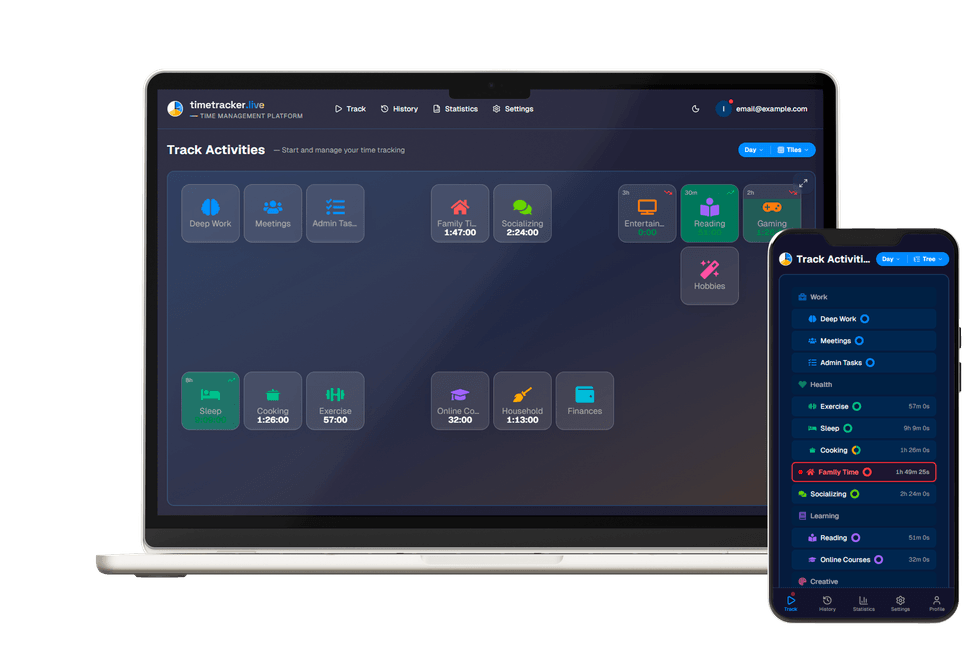
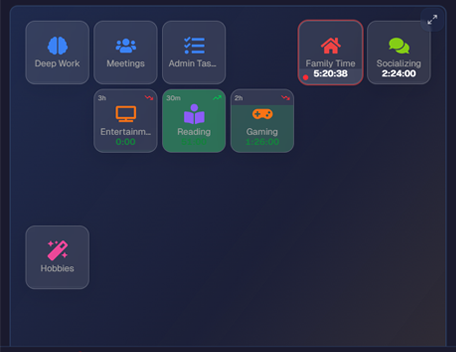
Tap an activity when you start it. Tap the next one when you switch. That's it — no categories, no tags, no thinking.
See Results
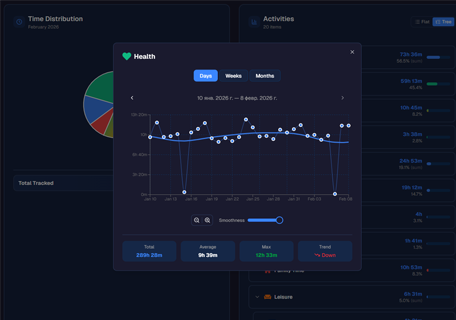
Open your dashboard to see life-area distribution, trends, and activity breakdowns — calculated from your real data, not your guesses.
You do the living.
The app does the math.
What your data reveals
Three views that turn raw time entries into understanding.
Life-area distribution
See where your time actually goes — not where you think it goes. Automatic percentages across every area you defined.
Trends over weeks and months
Single days are noisy. Trends show the real direction — which areas are quietly growing, and which ones are shrinking.
Activity breakdown
Which specific activities shape each area of your life? See exactly what fills your days and how the mix shifts over time.
Three things other trackers don't do
The features that keep your data clean and your habit alive.
Hierarchical activities
Nest activities inside each other — as detailed as you need. "Work → Meetings → Standups" stays organized even at 100+ activities.
Easy corrections
Forgot to switch the timer? Fix the boundary between two entries in seconds. Your data stays accurate — so you keep trusting it.
Works on every device
Open it on your phone, laptop, or tablet — at the same time. One tap to switch activities, from wherever you are.
No judgment. No productivity pressure. No streaks.
Just an honest picture of how you spend your time.
Understanding comes first.
Change — only if you want it.